Service calls in the morning, a panel upgrade in the afternoon, an inspection on Thursday. MM CRM keeps every lead, crew and job in one place and shows the profit on each, for one flat monthly price with every user included.
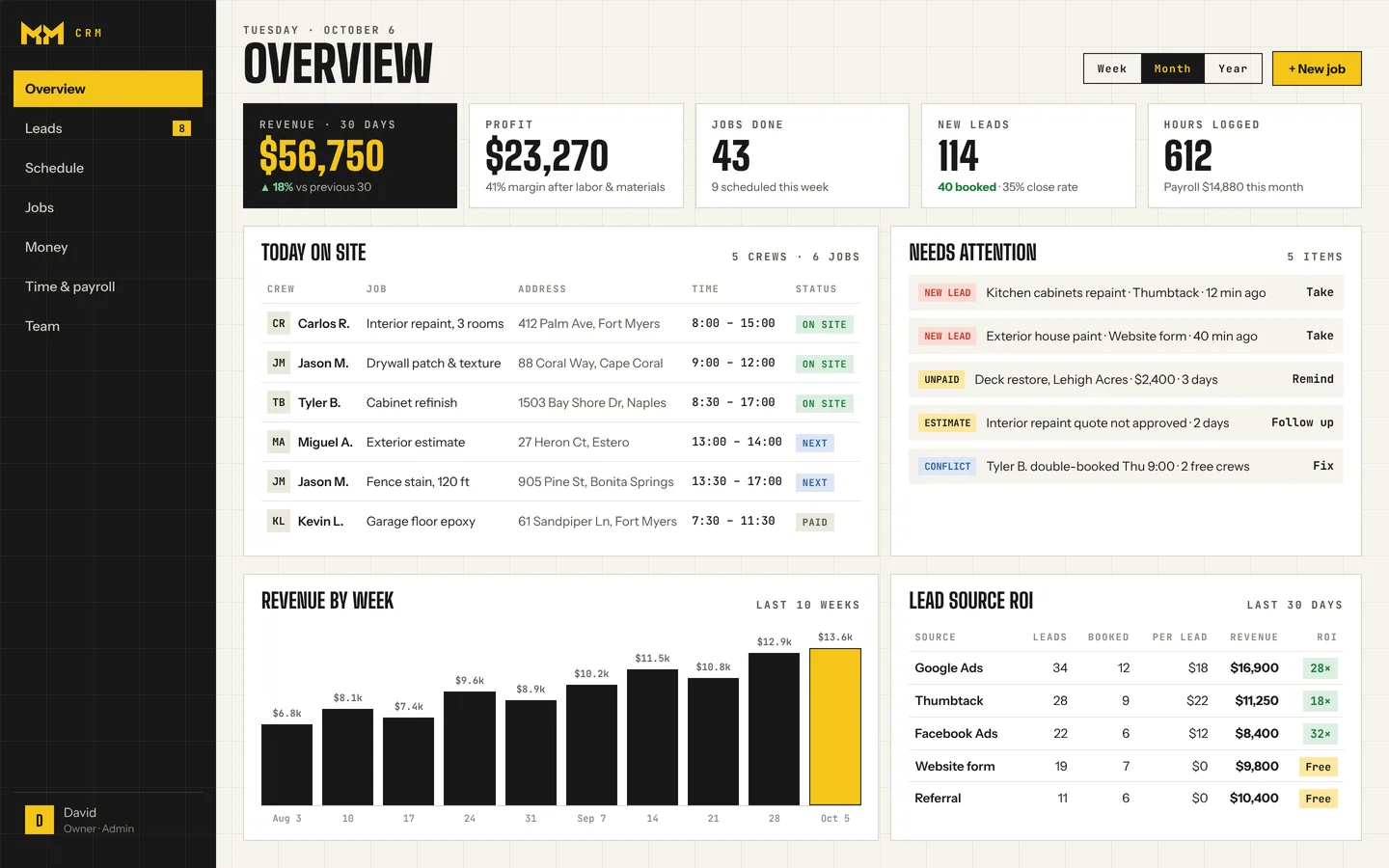
A tripping-breaker call from Google and an EV charger request from your website both ping your phone and land in one inbox.
You drag the service calls and the bigger projects onto the right electricians. No one gets booked in two places.
The electrician gets the address and notes in Telegram, starts the timer and logs wire and breaker receipts on the job.
Job marked done and paid. You see hours, materials and profit; the apprentice sees only their own pay.
The setup means we build MM CRM around how you already work. You don't configure anything.
Service call, panel upgrade, EV charger, inspection: named your way.
Each lead tagged, so you know where the bigger jobs come from.
Hourly for apprentices, per job for leads, set per person.
Your crew's language, on request.
Want to see the crew side? Here is what your crew sees in Telegram, step by step.
The big names charge by the seat. Here is what a electrical team pays each month.
| Monthly price | OursMM CRM | Jobber | Housecall Pro |
|---|---|---|---|
| Team of 5 | Flat rate | $299Grow, 5 users | $189Essentials, 5 users |
| Team of 10 | Flat rate | $399Grow, 10 users | $399MAX, 8 users + 2 × $35 |
| Each extra user | Free, unlimited | +$29 / month | +$35 / month |
Jobber and Housecall Pro prices are from their own pricing pages as of October 2026, billed monthly with no contract, before card fees and add-ons. Both offer lower prices if you prepay a year. Plans change, so check getjobber.com/pricing and housecallpro.com/pricing for current terms.
Full comparisons: MM CRM as a Jobber alternative and MM CRM as a Housecall Pro alternative.
Don't see yours? Ask us. It's free, and there's no pressure.
Ask a questionOne flat monthly price with unlimited users, plus a one-time setup that we do for you. Ask us for the numbers.
No. Crews use Telegram on the phone they already have. You get the full overview in the browser.
You can add permit and inspection steps as notes or job types today. If you need a real permit tracker, tell us: new features are built on request.
No. Roles keep prices and profit with the owner; crews see their jobs and their own pay.
They charge per user and you set them up yourself. MM CRM is one flat price for unlimited users, set up for you, with crews on Telegram. See MM CRM vs. Jobber and MM CRM vs. Housecall Pro.
A 15-minute call: we show you MM CRM, ask how your electrical crews work, and tell you exactly what we'd set up. No commitment.